Please Help - Brave Shortcut Keys Close My Peakd Editor Window and I Lose Everything :(

OK, this is post number 12 of this months #HiveBloPoMo! This wasn't the subject I wanted to write about today, but now I'm completely unmotivated to write! This is the third day in a row this has happened to me!

I start to write a post. Generally I write in Notepad then copy and paste into the Peakd editor. Pretty much for the exact reason I'm about to explain. It seems when I'm editing, I must be hitting some weird key combination because suddenly my browser tab closes and I lose my post. It almost always happens just as I finish that last edit too! That's exactly what happened two days ago. I spent almost an hour editing my post, only to lose the edits just before I was getting ready to hit the publish button.
For the most part, I'm a pretty quick typist. I don't know what I'm hitting but it happened 3 days in a row now while editing. Today, like a moron I decided to write the post in the editor. I got about halfway through and lost my work! Talk about getting pissed off! On top of that, I was just doing a free-write with no outline. I couldn't rewrite it the way it was even if I wanted to. Shame on me!
Peakd used to keep your backup. This happened a few times before too, but it wasn't an issue. When you reopened the editor, most of what you wrote would be there. That hasn't been the case the last few times this happened, thus my chagrin. I reopen the browser tab only to discover my work gone. Did Peakd remove the backup feature?
I've been posting to Hive for several years and I've never had this problem before. I'm using Brave browser which might have some weird key combination to close the browser tab. I'm not sure if that has anything to do with it or not. All I know is I'm sick and tired of losing my work when I write.
I did some research while writing this and the shortcut to close a browser tab in Brave is Ctrl + w or Ctrl + F4
If you're interested in Brave browser shortcut keys I found them here.
https://support.brave.com/hc/en-us/articles/360032272171-What-keyboard-shortcuts-can-I-use-in-Brave-
I don't use shortcuts keys often, I'd opt to disable them if I could, but I'm not seeing an option to do that.
When I really get typing I could see hitting the ctrl W key. The ctrl key is just below the shift key for caps on my keyboard. I'm guessing that I'm fat fingering the ctrl key when hitting shift, and if the next letter is a w then the tab closes?

Seriously, I'm going to break my desk one of these days! 🤣
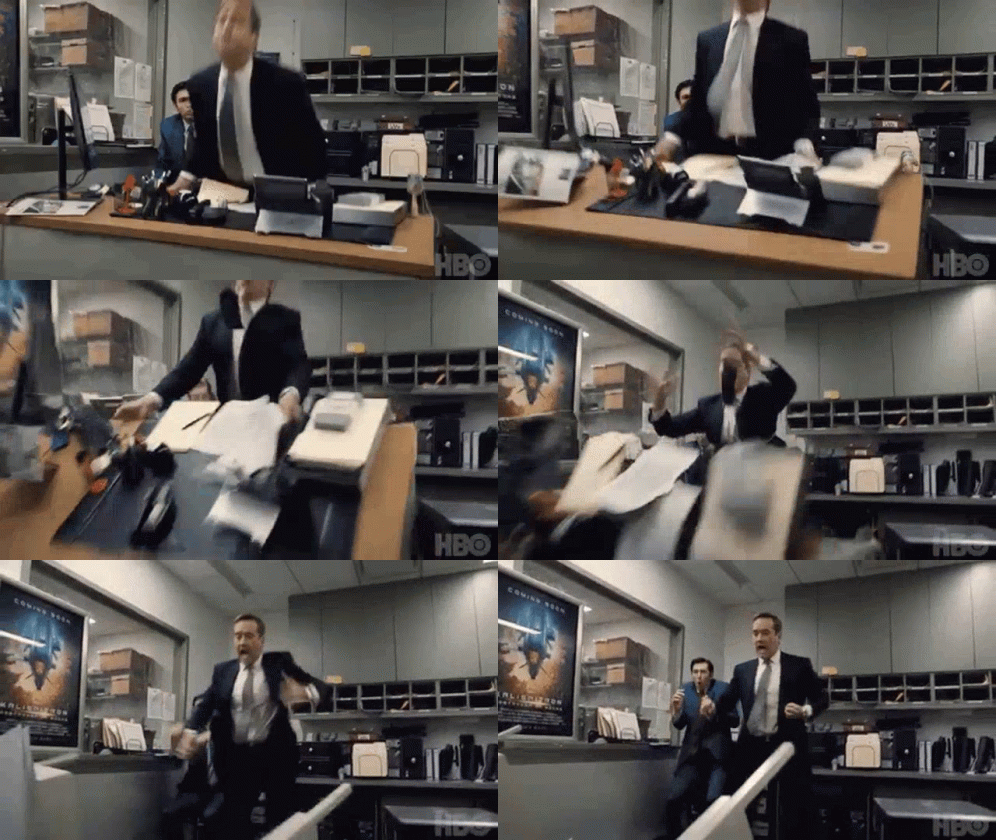
My poor cat is going to have a heart attack. He runs out of the room each time as I scream expletives at my computer monitor and bang on the desk! Naturally, it's spring time and my windows are open. I just gave the kids playing in the driveway next door a lesson in potty mouth! 🤣 Somebody, please help!
I'm looking for a way to disable shortcut keys but I can't find one. Anyone know how to disable shortcut keys in Brave?
You would think there would be a way to disable individual shortcuts for this exact reason.
Is this Browser tab issue happening to anyone else?
Is Peakd, no longer using the backup feature for writing or do I have to enable something in Peakd settings?
Any input greatly appreciated!
All animations found on tenor.com
This is post 12 of this months #hiveblopomo
Hope your all having a better day than I am 🤣 Cheers!
https://twitter.com/The_Crypto_Dood/status/1513991506733973512
The rewards earned on this comment will go directly to the person sharing the post on Twitter as long as they are registered with @poshtoken. Sign up at https://hiveposh.com.
if you click on the pencil for the new post, drop down should show view drafts. and there should be all the posts that you started but did not publish :)
at least it should be.
OMG! Thank you so much. Don't I feel silly! I had no idea. Thank you! They're all there! SMH 🤣I'll probably find a bunch of stuff I started and lost. I can't believe I never thought to look there!
😂
i hoped they were there because i get a error when auto save is not working (node down or something like that). and it saves pretty often.
I've seen that too. I used to get like a visible refresh each time it saved. I haven't noticed that in awhile. Anyway, thanks again. They're all there!
now just the save draft down in the right corner blinks or changes color when it does the save.
This reminds me of the early days of Microsoft Word when it did not autosave your work. I remember losing more than my fair share of documents because I was in the zone writing and forgot to save while writing. So glad those days are mostly gone. I do hope someone comes up with a solution.
OMG... I totally remember those days. So many times with a computer crash or you lose power or something. All the work gone! That was the WORST!
On a bright note, I found all my work in the "view drafts" section of the drop down. I never looked at it before! 🤣 I thought I actually had to save a draft, but apparently all unfinished posts end up in there.
Nice! I'll bet you found some old gems waiting for you.
A couple, and a couple more I'm glad never got posted 🤣
I use Brave and I've not experienced this. I have accidentally lost a few posts, but I saw the comment about finding drafts. I'll check up on that.
!PIZZA
I found a lot in my drafts.
!BEER
So have I. I have restarted a post I thought was lost before. Will check there next time.
!BEER
View or trade
BEER.Hey @the-bitcoin-dood, here is a little bit of
BEERfrom @steevc for you. Enjoy it!Learn how to earn FREE BEER each day by staking your
BEER.View or trade
BEER.Hey @steevc, here is a little bit of
BEERfrom @the-bitcoin-dood for you. Enjoy it!Learn how to earn FREE BEER each day by staking your
BEER.PIZZA Holders sent $PIZZA tips in this post's comments:
@steevc(1/5) tipped @the-bitcoin-dood (x1)
Join us in Discord!