3 Easy Ways to Take a Screenshot on a Laptop

Taking a screenshot on a laptop is very easy. Here are three simple methods you can use:
https://cdn.steemitimages.com/DQmaV51hZggyUi4GRNGYfw9DFAJgVtuuBrWe3vmzKer1mc8/1000001190.jpg
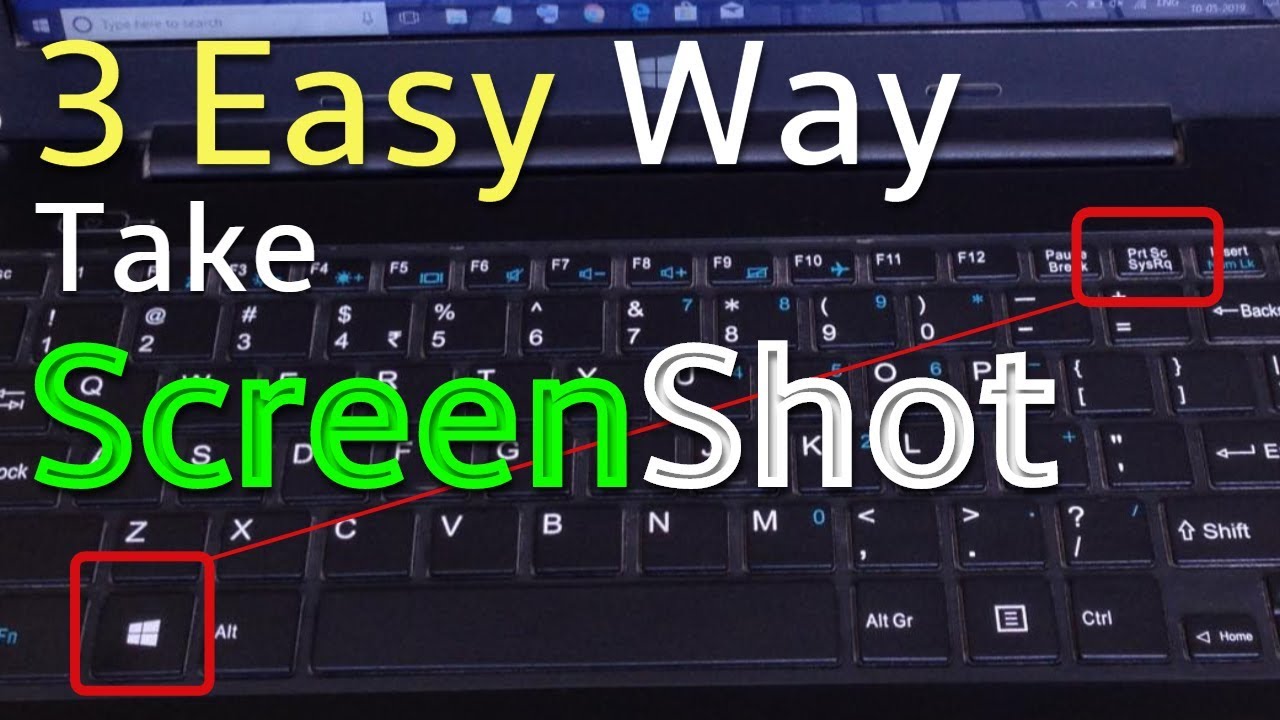
## 1. Print Screen Key
Press the **PrtSc (Print Screen)** key on your keyboard. The screenshot is copied to the clipboard. You can then open Paint, Word, or another app and press **Ctrl + V** to paste it.
## 2. Windows + Shift + S
Press **Windows + Shift + S** together. Your screen will become slightly darker, and you can select the exact area you want to capture. The screenshot is then copied to the clipboard.
## 3. Windows + PrtSc
Press **Windows + PrtSc** together. Your entire screen will be captured automatically and saved in:
**Pictures → Screenshots**
These methods are quick, free, and useful for saving important information, sharing errors, or keeping a record of something on your screen.