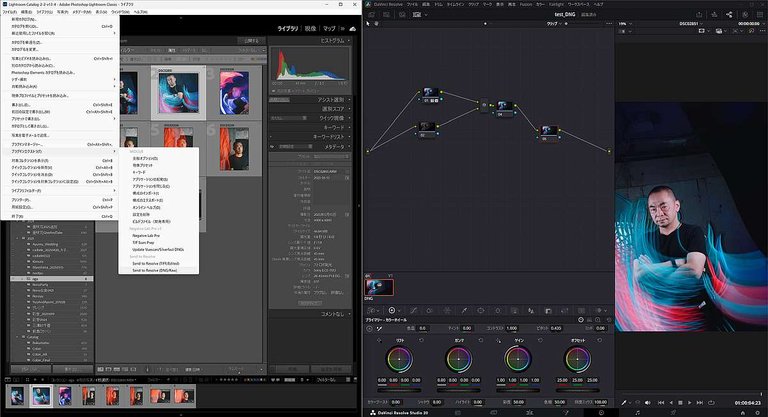
I spend most of my time with audio, but I still end up cutting photo slideshows and stills into video now and then, and the fiddly part was always getting the pictures out of Lightroom and into Resolve with the right resolution. Lightroom to Resolve just does that in one click. You pick your photos in Lightroom, hit send, and it builds a timeline in DaVinci Resolve at the correct resolution.
It handles vertical shots too, which matters because half my stuff is phone photos, and it works with RAW and TIFF files, not just exports. The one extra thing you need is Adobe DNG Converter installed, which is free. The Windows version installs with a .bat file, and the page is upfront that Windows will flag it, you can open the file in Notepad and check it yourself before running it. The Mac version is a signed app, so that side is cleaner.
It is v1.0.0 and does exactly one job. If you already live in Lightroom and Resolve, this saves you the manual export and timeline setup every single time.
Product page: https://jun-murakami.web.app/apps/lightroom-to-resolve